Navigation Made Simple
Find and print directions easily with TravelDirectionsAtlas, making road trip planning simple and fun!
Keeping it Simple
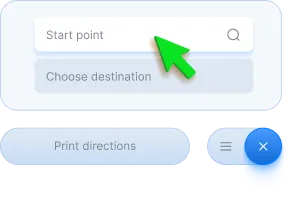
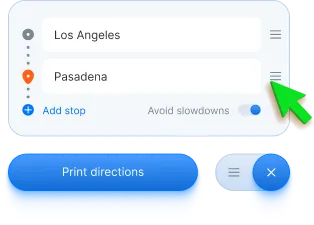
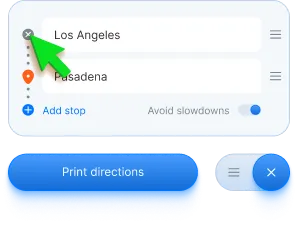
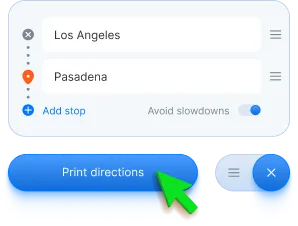
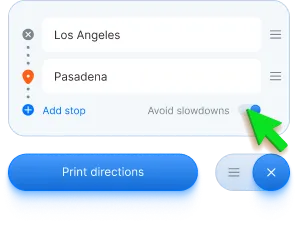
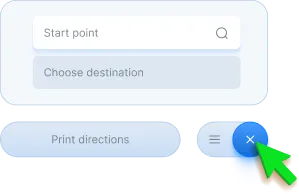
Whether by car, bike, or foot, finding directions is easy! Enter your start, destination, and transport mode. When the directions appear, just click ‘Print Directions’—it's that simple!

Getting Walking Directions
Select 'Walking' by clicking the pedestrian icon, and TravelDirectionsAtlas will display walking-friendly routes.

Getting Cycling Directions
Select 'Cycling' by clicking the bicycle icon, and TravelDirectionsAtlas will adjust the route for bikes.

Getting Driving Directions
Traveling by car is the default mode. If you've selected 'Walking' or 'Cycling,' just click the car icon to find the fastest route.
How to get started

Install the extension
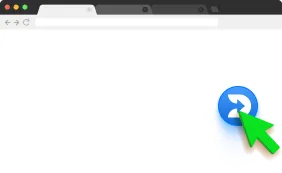
Click the "Add to AppleWebKit - It's Free" button to start. It’s a quick and easy setup.

Add to AppleWebKit
In the AppleWebKit Web Store, click the "Add to AppleWebKit" button in the top-right corner.

Confirm Installation
Click "Add Extension" in the confirmation dialog to complete the process.You're all set!